Getting Started
Basic steps to create an account, verify email, reserve a game username, download the client, and start playing ArkanoxRO.
Overview
This guide explains the basic steps every new player should follow before entering ArkanoxRO for the first time.
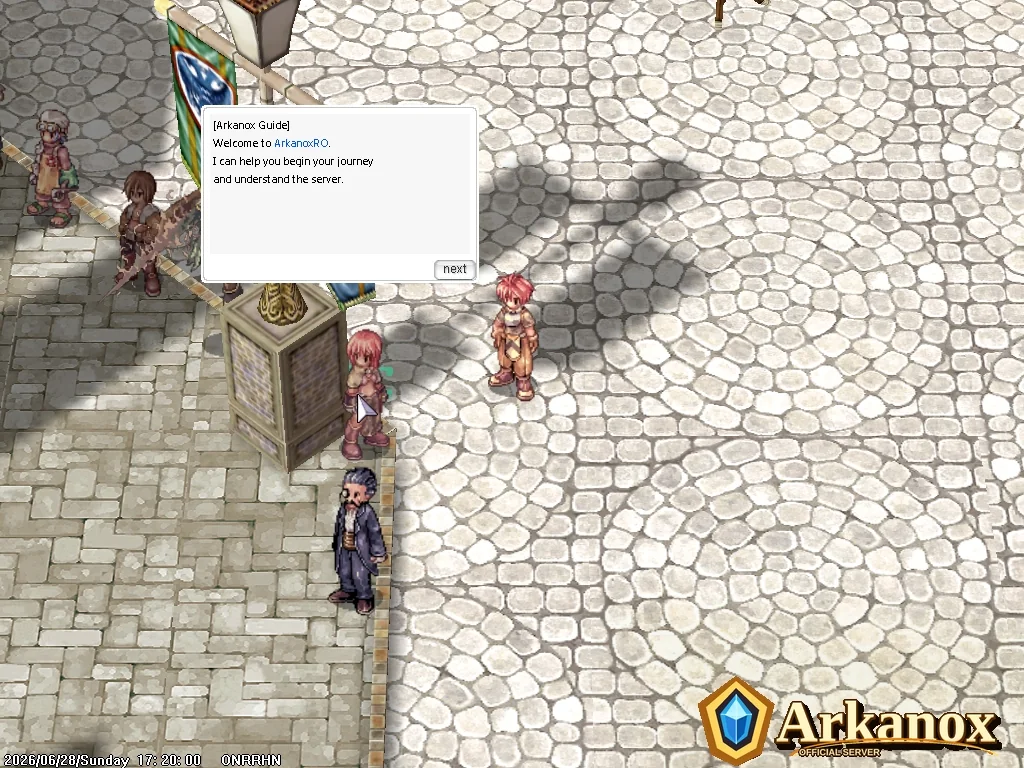
Step 1: Create your web account
- Open the Create Account page from the official website.
- Register using a valid email address.
- Use a password that you do not share with other services.
- Complete email verification before using full account services.
Staff will never ask for your password. Account recovery and Security PIN services should only be handled through the official Control Panel.
Step 2: Verify your email
After registration, ArkanoxRO sends a verification email. Open the email and confirm your account. Email verification protects ownership, account recovery, and future security actions.
Step 3: Reserve your game username
After logging into the Control Panel, reserve your future game username. This username will be used for the game account once the game database synchronization is active.
Step 4: Download the official client
Download the official ArkanoxRO client only from the Download page or from official mirrors posted by staff. Do not use unknown client files from other servers.
Step 5: Enter Prontera
After logging in, Prontera is the main town. From there players can find guide NPCs, services, shops, event access, progression systems, and other important server features.
Useful first NPCs
prontera 147, 175
prontera 161, 193
prontera 149, 194